




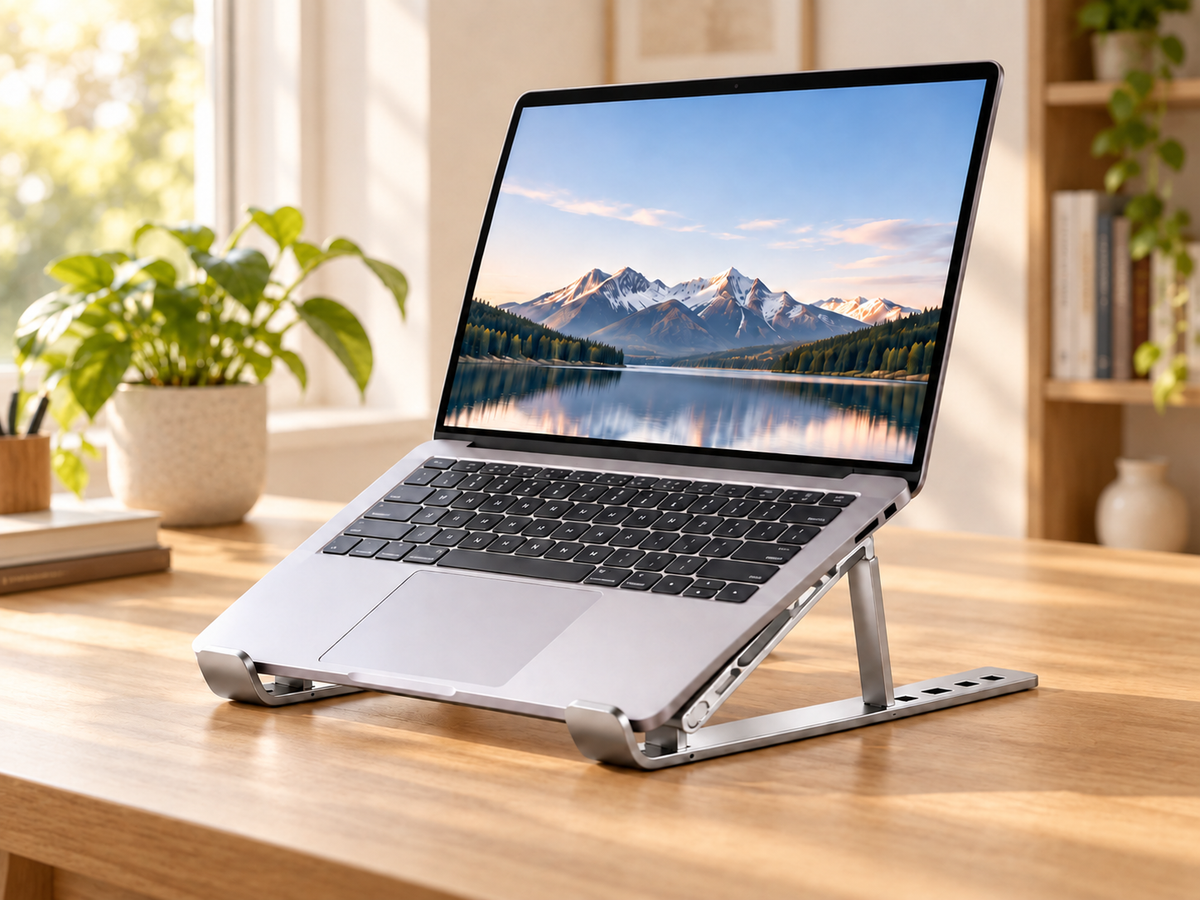
🎒 Foldable Laptop Stand — Take Your Better Setup Anywhere
Adjustable Foldable Metal Laptop Stand
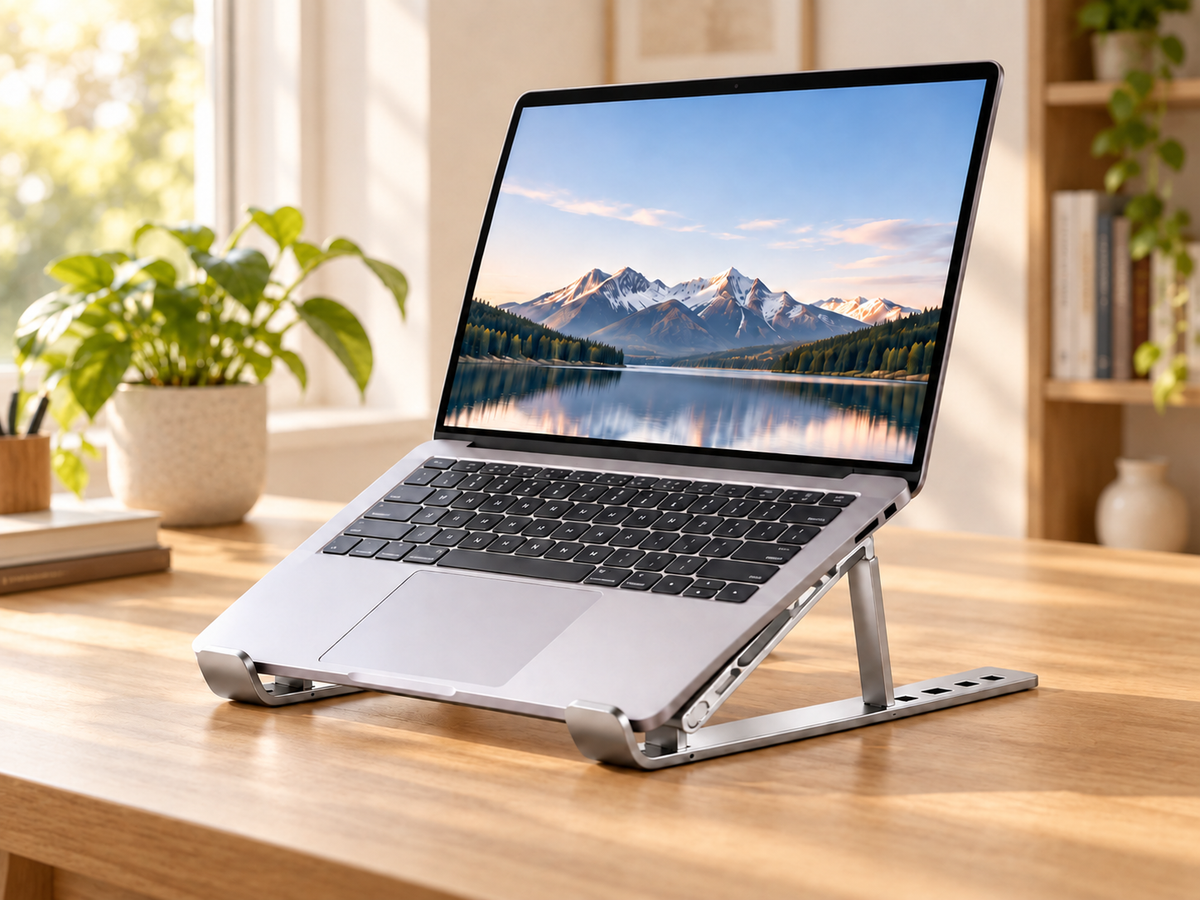
A better laptop setup starts with one simple change. Raise your screen, choose your angle, and make your workspace work for you.
✔ Raise Your Screen, Your Way
Choose a support position that works with your desk, viewing distance, and external keyboard.
✔ A Foldable Setup That Moves With You
Open it when it is time to work. Fold it down when it is time to pack up.
✔ Less Contact, More Open Space
The open frame leaves space beneath your laptop instead of covering its entire base.
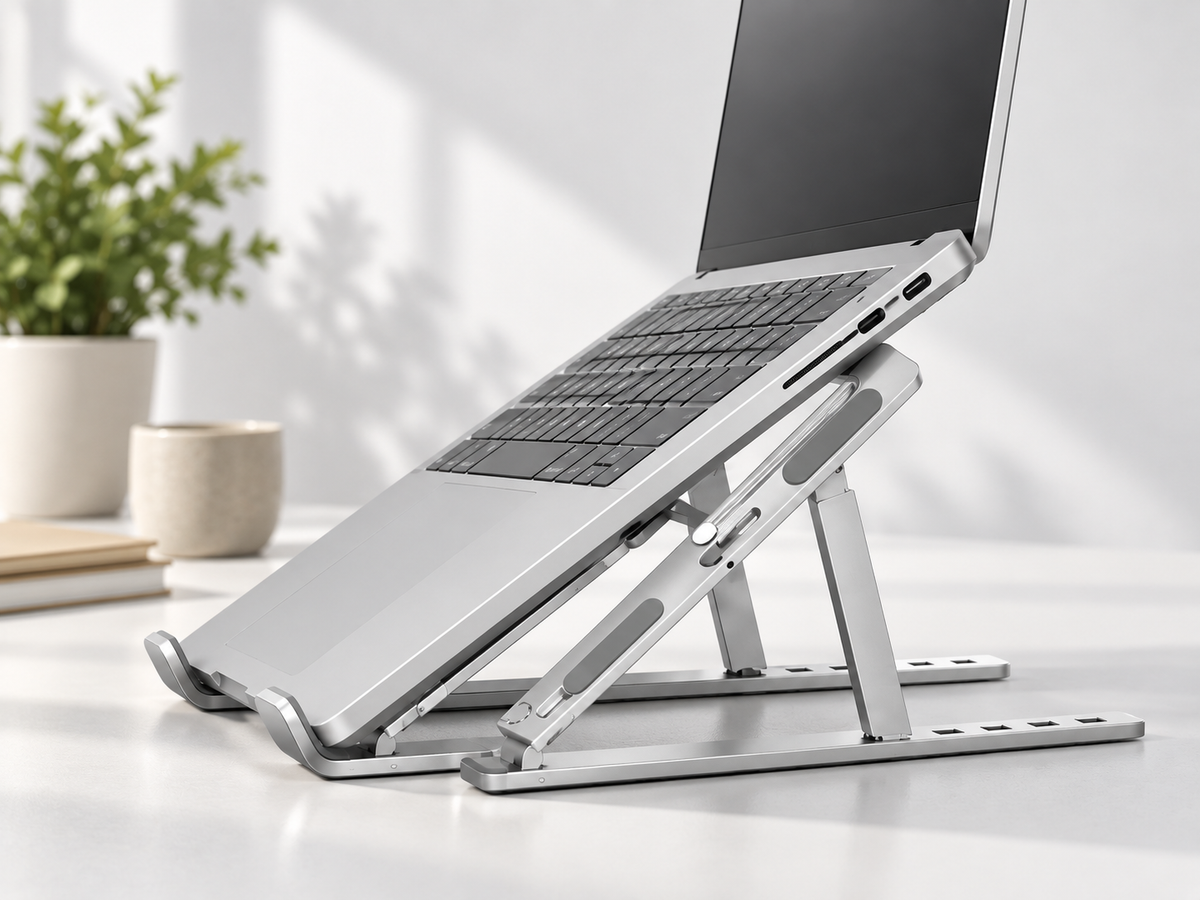
✔ Thoughtful Contact Points
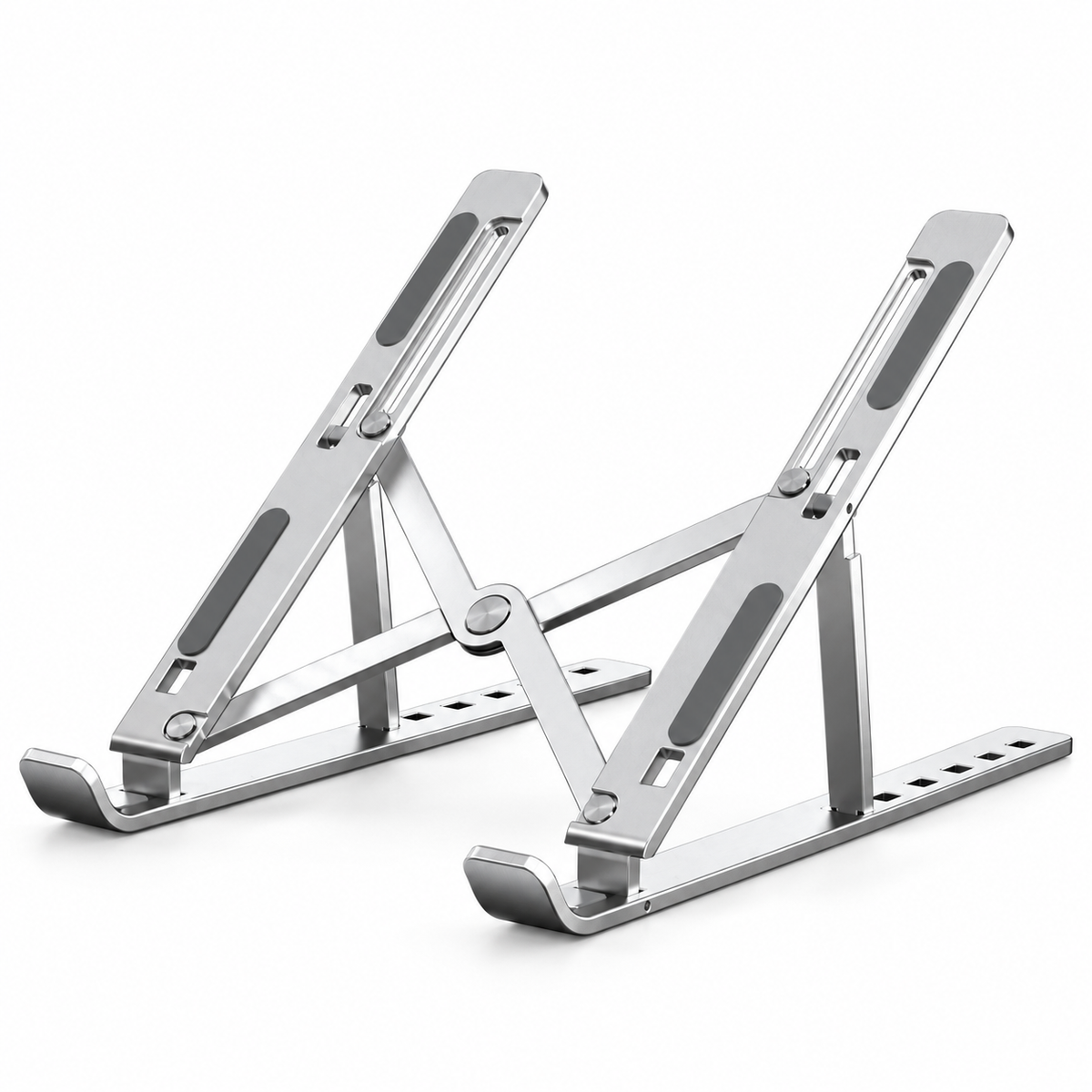
Padded support rails separate your laptop from the metal surface, while front stops help keep it positioned.
✔ A Simple Upgrade for Everyday Work
Create a raised-screen setup for working, reading, studying, and video calls.
Raise Your Screen.
Reset Your Workspace.

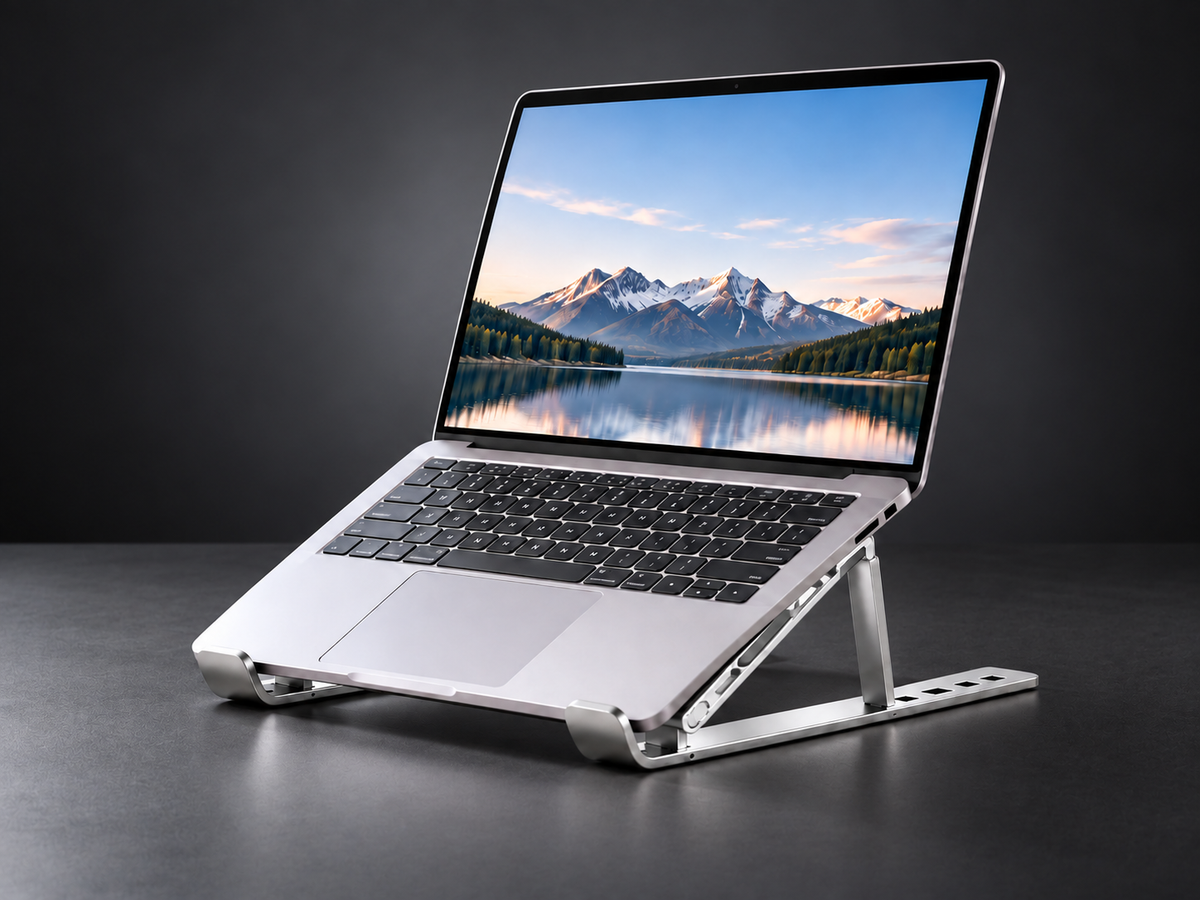
Your laptop goes wherever you go. Now your raised-screen setup can follow. This folding metal stand lifts your device off the desk and lets you select a support angle for the way you work.
Pair it with an external keyboard and mouse to position your screen and your hands independently. A small change to your desk can make your daily setup feel more considered.
One Desk. A Different Working Setup.
When a laptop sits flat on the desk, its screen and keyboard share one position. A stand gives you another option: raise the screen and keep your external keyboard where you want it.
Use the same laptop, the same desk, and a layout that suits your routine. The difference is in how you arrange your workspace.
Find the Angle That Works for You
Use the support positions along the base to change the angle of your laptop. Whether you are reading a document, joining a video call, or working with an external keyboard, you can arrange the screen around your task.
Before adjusting: remove your laptop, set both sides to matching positions, and make sure the supports are seated before putting the device back.
Designed Around the Points That Matter
Padded support rails reduce direct contact between your laptop and the metal frame. Front stops help keep the device positioned on the support rails.
The structure keeps the essentials visible: where your laptop rests, where it is supported, and how the stand is positioned.
An Open Frame.
Space Beneath Your Laptop.
Unlike a full-width platform, the twin-rail structure leaves much of the area beneath your laptop open. It raises the device above the desk while reducing contact across its base.
Keep your laptop’s vents clear and check their position before use. Cooling performance depends on the device and your working environment.
Open for Work.
Fold for Your Next Stop.
A desk accessory does not need a permanent spot on your desk. Fold the stand when you are finished and move it to your next workspace.
At home, at the office, or between workspaces, it is an easy way to keep a familiar raised-screen setup part of your routine.
Made for the Way You Use Your Laptop
For work: raise your laptop beside your keyboard and everyday desk tools.
For study: arrange your screen alongside notes, books, and writing space.
For video calls: adjust your screen position to suit your desk and camera framing.
Set Up in Three Simple Steps
Step 1 — Open the Stand
Unfold the frame and place it on a level, steady surface.
Step 2 — Choose a Support Position
Set both sides to the same position and check that the supports are seated.
Step 3 — Place Your Laptop
Center the laptop on the padded rails with its lower edge behind the front stops. Add your external keyboard and mouse if needed.
A Closer Look at the Design
| Structure | Folding metal frame |
|---|---|
| Adjustment | Selectable support positions |
| Contact points | Padded rails and front stops |
| Layout | Twin rails with an open center |
| Finish shown | Silver |
Check the seller’s confirmed dimensions and load rating to make sure the stand suits your device.
Why Add It to Your Desk?
✔ Choose a screen angle that suits your workspace
✔ Separate screen placement from keyboard placement
✔ Reduce contact across the laptop’s base
✔ Fold the stand when you need to move or store it
✔ Keep your setup simple with an open metal frame
Frequently Asked Questions
Will it fit my laptop?
Compare your laptop’s size and weight with the seller’s confirmed support dimensions and load rating. Check that the rails and front stops sit clear of your device’s ports and vents.
Can I type directly on the laptop while it is raised?
For a raised-screen working setup, we recommend an external keyboard and mouse. Follow the product’s confirmed usage guidance before applying typing pressure to a supported laptop.
How do I change the angle?
Remove the laptop first. Set the supports on both sides to matching positions, check that they are seated, then place the laptop back on the rails.
Does the stand have a built-in fan?
The design shown is an open-frame stand with no visible built-in fan. It leaves space beneath your device rather than providing powered cooling.
Can I fold it for storage?
The folding structure lets you close the stand when it is not in use. Remove your laptop before folding and keep fingers clear of the joints.
How should I clean it?
Wipe the metal frame and contact pads with a soft cloth. Avoid abrasive cleaners and check that the pads are clean and securely attached before use.
Give Your Everyday Setup
a New Angle
Raise the screen. Arrange your desk. Get ready for the work ahead.
An adjustable, folding stand for a more flexible laptop workspace.
Built to be used, kept because it works.
This image space now auto-fills from the fourth product image when available, and falls back to the earlier product media instead of leaving an empty placeholder.
